How to Set Up Crypto Price Alerts in 2026: Never Miss a Move Again
Affiliate Disclosure: This article may contain affiliate links. We may earn a commission at no extra cost to you. All opinions are our own.
Marcus Chen
Senior Crypto Analyst & Educator
Certified Blockchain Professional | Former Wall Street Analyst
Marcus Chen is a cryptocurrency analyst and educator with over 8 years of experience in digital asset trading. He has helped thousands of beginners navigate the crypto markets through practical, actionable education.

Disclaimer: This content is for informational purposes only and should not be considered financial advice. Cryptocurrency investments carry significant risk. Always do your own research (DYOR) before making any investment decisions.
This article contains affiliate links. We may earn a commission at no extra cost to you if you make a purchase through these links. See our affiliate disclosure for details.
How to Set Up Crypto Price Alerts in 2026: Never Miss a Move Again
Setting up crypto price alerts is one of the most underrated habits a serious investor can build. Whether Bitcoin is creeping toward a key resistance level or your altcoin just broke support, a well-placed alert means you act on data — not panic. In 2026, the tools for this have gotten genuinely good, and the setup takes about five minutes. Here's exactly how to do it across the platforms that matter.
Why Price Alerts Actually Matter (And Why Most People Skip Them)
Most crypto investors check prices obsessively — refreshing apps, watching charts, losing sleep. That's exhausting and counterproductive. Price alerts flip the dynamic: instead of you watching the market, the market notifies you when something worth your attention happens.
The practical upside is real. You can set a buy alert at $58,000 for Bitcoin, walk away, and get pinged the moment it hits. No babysitting required. For traders managing multiple positions, alerts are the difference between catching a move and reading about it the next morning.
There's also a psychological benefit. Constant price-checking feeds anxiety and impulsive decisions. Alerts let you define your levels in advance — when you're calm and thinking clearly — and then step back. That discipline compounds over time.
The Four Best Platforms for Crypto Price Alerts in 2026
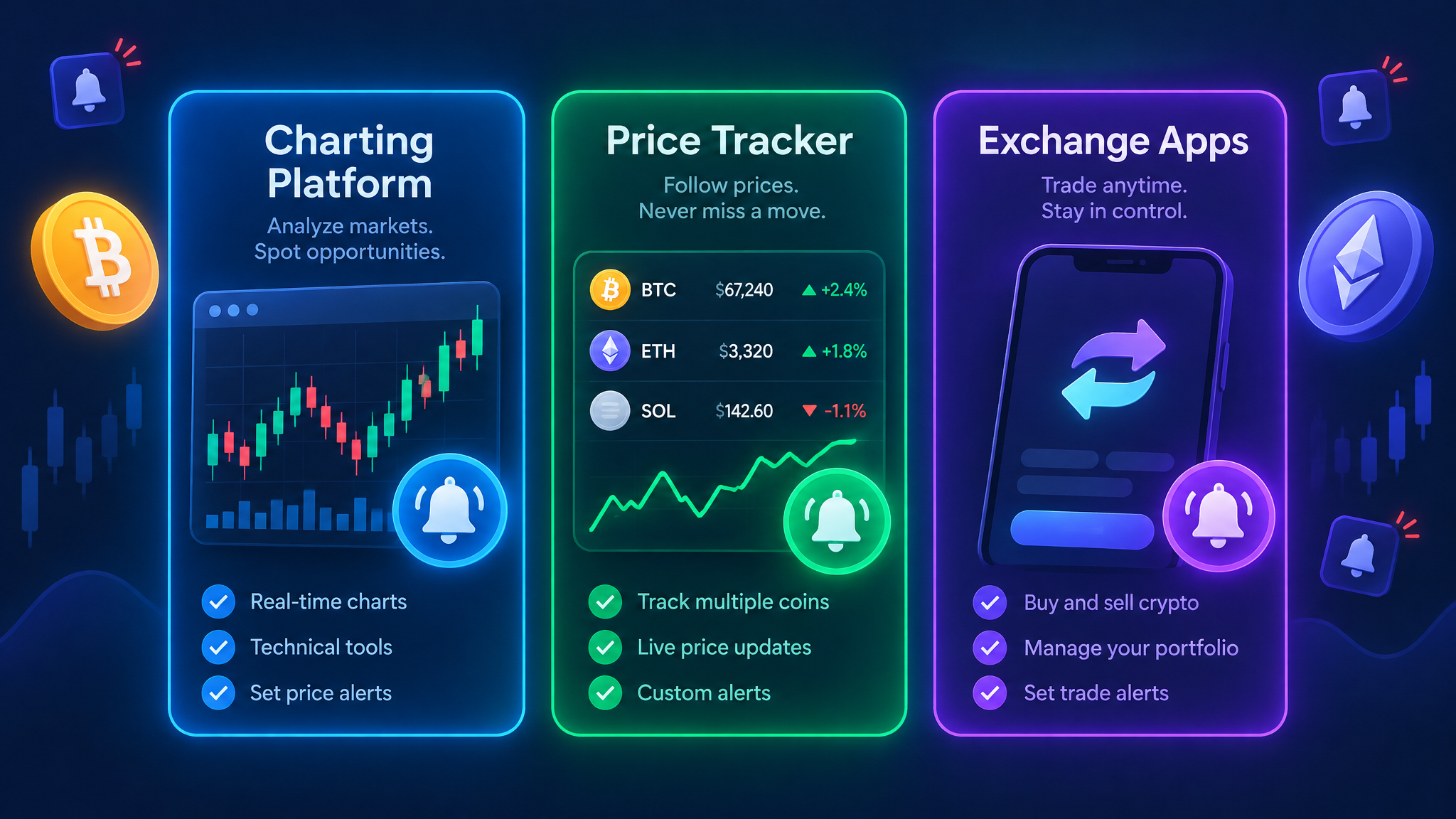
Not all alert tools are equal. Some are built for casual holders, others for active traders. Here's a breakdown of the four platforms worth using, and what each one does best.
1. CoinGecko — Best for Passive Holders
CoinGecko's mobile app has one of the cleanest alert setups available. Navigate to any coin's page, tap the bell icon, and set either a specific price target or a percentage move. That's it.
The Auto Price Alert (APA) feature is worth enabling. It automatically tracks coins you've recently searched and fires notifications when they make significant moves — no manual setup needed. These auto-alerts expire after 45 days, so they don't pile up forever.
One thing to check: make sure your currency setting matches your exchange. If you're trading on a USD-denominated platform but CoinGecko is set to AUD, your alerts will fire at the wrong levels.
2. TradingView — Best for Active Traders
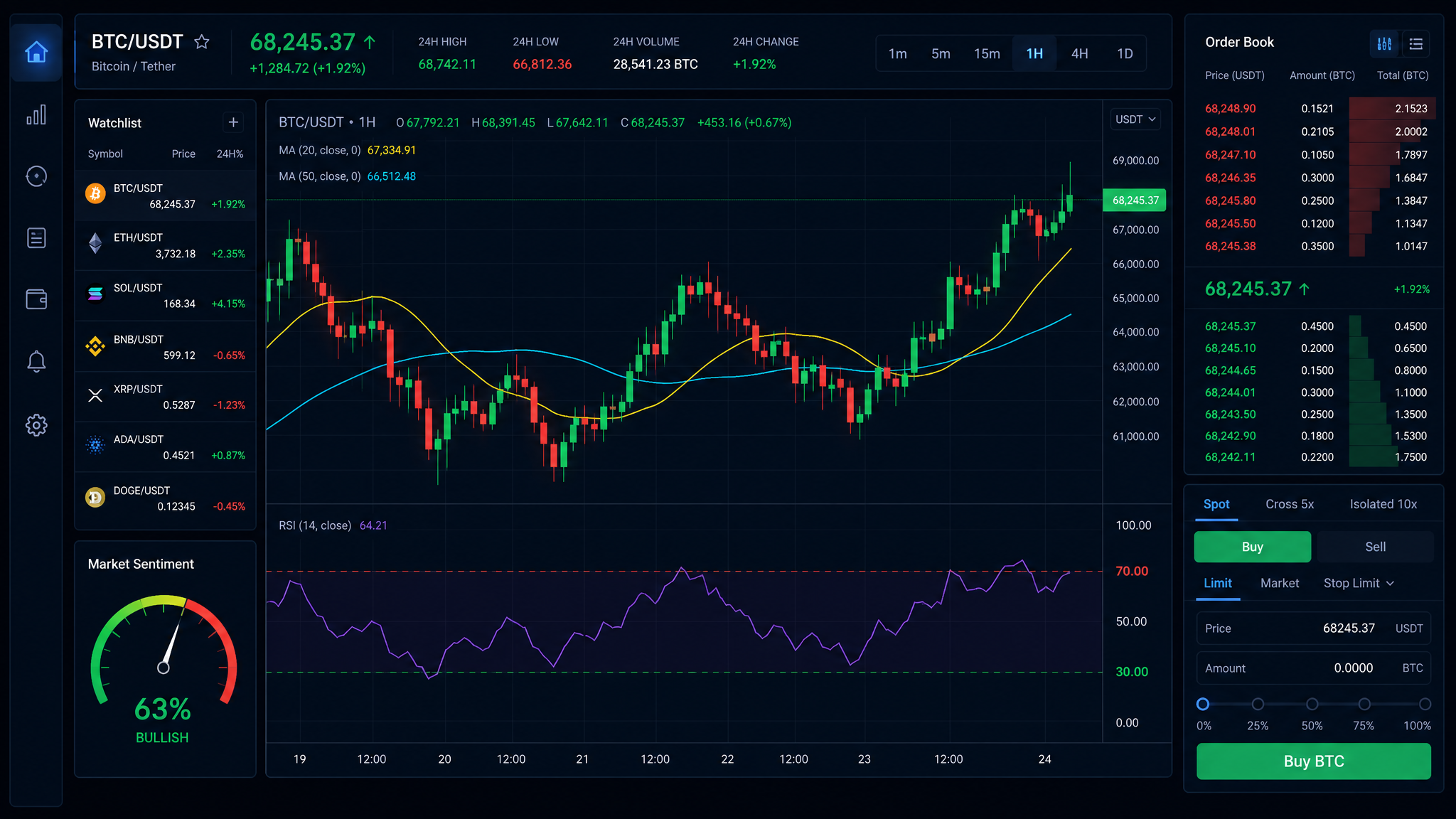
TradingView is the gold standard for technical traders who want alerts tied to indicators, not just price levels. You can trigger alerts when RSI crosses 70, when a moving average flips, or when price enters a specific channel. That's a different category of tool entirely.
Setup: open a chart, right-click on a price level or indicator, and select "Add Alert." The condition builder lets you choose from 13 operators — crossing, greater than, entering a range, and more. You can also set alerts on trendlines you've drawn manually, which is genuinely useful for breakout trading.
The free plan limits you to one active alert at a time. For serious use, the Essential plan ($14.95/month) unlocks unlimited alerts and multi-condition logic. If you're actively trading, that's worth it.
3. Kraken — Best for Exchange-Native Alerts
If you're already trading on Kraken, their built-in alert system is solid and requires no third-party app. On the web interface, add the Alerts widget to your layout, enable browser notifications, and create alerts by selecting a market and price level.
On mobile, the Kraken Pro app handles alerts through the bell icon on the Markets page. Long-tap any market to set a quick alert. Volatility alerts — which fire when a coin moves significantly over 24 hours — are available in the Notifications settings and are worth enabling for your watchlist.
The Kraken Desktop app adds "Quick Alerts" by clicking directly on the price axis of a chart. For traders who live in the Kraken interface, this is the most frictionless option.
4. MetaMask — Best for DeFi and On-Chain Positions
MetaMask added price alerts to its mobile app, which is useful if you're holding tokens across multiple networks that aren't listed on major exchanges. Navigate to a token in your wallet, tap the price, and set a target. Alerts fire as push notifications.
This is particularly handy for DeFi positions — if you're holding a governance token or a newer L2 asset, MetaMask may be the only place you can set alerts without manually adding the token to a tracker. The coverage isn't as broad as CoinGecko, but for on-chain assets, it fills a real gap.
How to Set Up Your First Crypto Price Alert: Step-by-Step
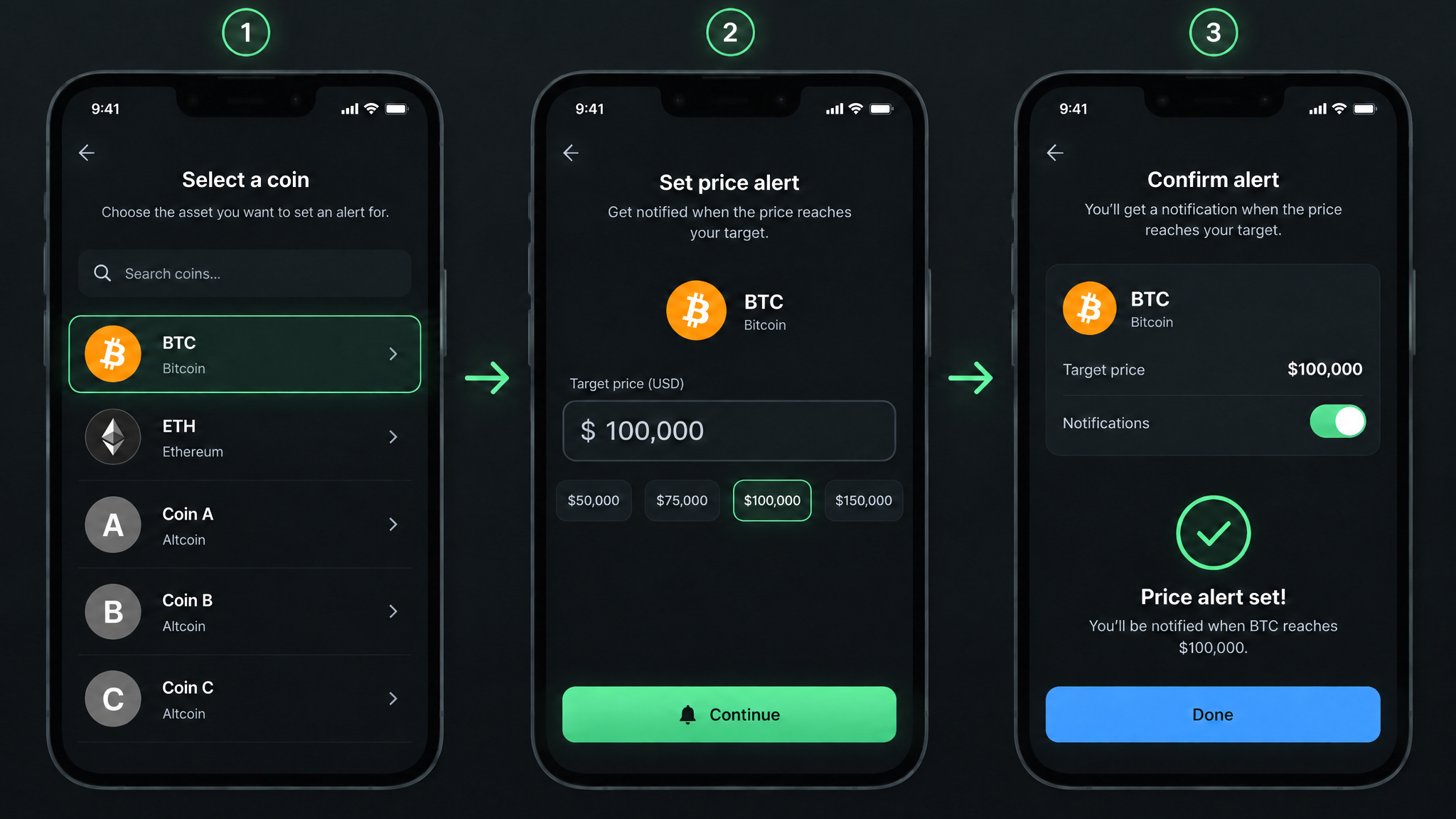
Let's walk through a concrete example using CoinGecko, since it's the most accessible starting point for most investors.
- Download the CoinGecko app (iOS or Android) and create a free account.
- Search for the coin you want to track — say, Ethereum (ETH).
- Tap the bell icon on the coin's page. This opens the alert creation screen.
- Choose your condition: "Price above" or "Price below" a specific value, or a percentage move (e.g., +10% in 24 hours).
- Enter your target price. If ETH is at $3,200 and you want to buy a dip, set an alert at $2,900.
- Enable push notifications in your device settings if prompted. Without this, alerts won't reach you.
- Test it. Set a temporary alert just above the current price, wait for it to fire, then delete it. Confirm the notification actually arrives before you rely on it for real trades.
That last step matters more than people realize. Notification permissions vary by device and OS version. A test alert takes 30 seconds and saves you from missing a real move because your phone was silencing app notifications.
Smart Alert Strategies That Actually Work
Setting alerts randomly isn't a strategy. Here's how to use them with intention.
The Ladder System
Instead of one alert at a round number like $100,000 for Bitcoin, set three: $98,500, $100,000, and $101,500. Round numbers attract heavy order flow — prices often stall just below them, then spike through. A ladder catches the approach, the level, and the breakout.
Tie Every Alert to an Action
Before you set an alert, decide what you'll do when it fires. "BTC hits $58,000 → I buy $500 worth." If you can't define the action, the alert is just noise. This pre-commitment is what separates disciplined investors from reactive ones.
Use Alerts for Risk Management, Not Just Entries
Most people set alerts for buying opportunities. Fewer set them for downside protection. If you're holding ETH and your thesis breaks below $2,500, an alert at $2,600 gives you time to reassess before the damage compounds. Think of these as early warning systems, not just buy signals.
Clean Up Stale Alerts Regularly
Alerts that fired months ago and were never deleted create noise. Set a monthly reminder to audit your active alerts. Delete anything that's no longer relevant to your current positions or thesis. A clean alert list is a focused one.
Common Mistakes to Avoid
A few pitfalls that trip up even experienced investors:
- Setting too many alerts. Alert fatigue is real. If your phone buzzes every hour, you'll start ignoring everything — including the alerts that matter. Keep your active list short and meaningful.
- Ignoring currency mismatches. If your tracker is set to a different currency than your exchange, your alerts will fire at the wrong levels. Always verify the currency setting before relying on an alert.
- Not testing notifications. As mentioned above — always run a test alert before you depend on the system for real trades.
- Using alerts as a substitute for a plan. An alert tells you when something happened. It doesn't tell you what to do. Have your response ready before the notification arrives.
Ready to level up your trading skills beyond alerts? Icoinpro's comprehensive trading course covers entry and exit strategies, risk management, and how to read market structure — the full toolkit for making better decisions when those alerts fire.
Advanced: TradingView Alerts for Technical Traders
If you're comfortable with technical analysis, TradingView alerts unlock a different level of precision. Here's a quick setup for an RSI-based alert:
- Open a BTC/USD chart on TradingView.
- Add the RSI indicator (14-period is standard).
- Right-click on the RSI line and select "Add Alert on RSI."
- Set the condition: "RSI Crossing Down 70" (overbought signal) or "RSI Crossing Up 30" (oversold).
- Choose your notification method: email, push notification, or webhook (for automated systems).
- Set the expiration — "Open-ended" keeps it active until you delete it.
Webhook alerts are particularly powerful for traders who use automation. They can trigger a bot to log the signal, send a Telegram message, or even execute a trade through an exchange API. That's beyond the scope of this guide, but worth knowing the capability exists.
For long-term holders who want to protect their assets while they're away from screens, a Ledger hardware wallet pairs well with a solid alert system — your coins stay secure offline while your alerts keep you informed of market moves.
Actionable Takeaways
- Start with CoinGecko if you're a casual holder — it's free, fast, and covers thousands of coins.
- Use TradingView if you trade actively and want indicator-based triggers, not just price levels.
- Enable Kraken's built-in alerts if you're already on that exchange — no extra app needed.
- Use MetaMask alerts for DeFi tokens and on-chain assets not listed elsewhere.
- Always test your notifications before relying on them for real trades.
- Tie every alert to a pre-planned action — alerts without a response plan are just noise.
- Use a ladder system around key levels instead of single round-number alerts.
Price alerts won't make you a better trader on their own. But combined with a clear strategy and the discipline to act on your pre-set levels, they remove the emotional noise that costs most investors real money. Set them up today — it takes five minutes and pays dividends every time the market moves.
Want to understand the full picture of how professional traders manage entries, exits, and risk? The Bitcoin Standard is essential reading for anyone serious about understanding the asset they're trading — and why the long-term thesis remains intact regardless of short-term price swings.
Want structured training instead of piecing it together yourself?
Self-education works, but it's slow. The course that accelerated my learning the most gave me a daily framework — real market analysis, real setups, real accountability.
The program I recommend to people who ask me is this crypto trading course — it\'s the one I point friends and family to when they\'re serious about learning. Daily lessons, live analysis, and a community that actually helps.
Affiliate link — I may earn a commission at no extra cost to you. I only recommend what I genuinely use.
Disclaimer: The information provided on this website is for educational and informational purposes only. It should not be considered financial or investment advice. Cryptocurrency investments carry significant risk. Always do your own research and consult with a qualified financial advisor before making investment decisions.
Free Crypto Insights
Get weekly trading tips, market analysis, and exclusive strategies delivered to your inbox.