Best Crypto Apps for Beginners in 2026: Top 7 Picks
Affiliate Disclosure: This article may contain affiliate links. We may earn a commission at no extra cost to you. All opinions are our own.
Marcus Chen
Senior Crypto Analyst & Educator
Certified Blockchain Professional | Former Wall Street Analyst
Marcus Chen is a cryptocurrency analyst and educator with over 8 years of experience in digital asset trading. He has helped thousands of beginners navigate the crypto markets through practical, actionable education.
This article contains affiliate links. We may earn a commission at no extra cost to you if you make a purchase through these links. See our affiliate disclosure for details.
Best Crypto Apps for Beginners in 2026: 7 Picks That Actually Make Sense
Finding the best crypto apps for beginners in 2026 is harder than it sounds. Hundreds of options claim to be the simplest, safest, or cheapest — and most are lying about at least one of those things. After eight years watching newcomers get burned by confusing interfaces and hidden fees, I've narrowed it down to seven apps that genuinely work for people just starting out — whether you're on iOS or Android, buying Bitcoin with $50 or exploring DeFi for the first time.
What Makes a Crypto App Good for Beginners?
Not every "beginner-friendly" label is earned. Here's what I look for when evaluating apps for newcomers:
- Simple onboarding: Download to first purchase in under 10 minutes. If KYC takes three days, that's a problem.
- Transparent fees: Hidden spreads are the silent killer of beginner portfolios. Show me the cost before I confirm.
- Security defaults: Two-factor authentication on by default, not buried in settings.
- Educational resources: A good beginner app teaches you while you use it.
- Regulatory standing: With MiCA enforced in Europe and the CLARITY Act reshaping US crypto law, using a regulated platform is basic risk management.
1. Coinbase — Best Overall for Beginners
Coinbase has been the default recommendation for crypto newcomers for years, and in 2026 it still earns that title. The app looks and feels like a banking app — you can buy Bitcoin, Ethereum, or any of 250+ assets in about three taps. The "Coinbase Learn" feature ties short video lessons to small crypto rewards, so you're incentivized to understand what you're buying.
One thing to watch: the standard interface charges spreads of 1.5–2.5%. Switch to Coinbase Advanced (same account, no extra signup) where maker fees drop to 0.4% or lower. Most beginners don't discover this for months.
Pros & Cons
- ✅ Available in all 50 US states
- ✅ Publicly traded company (COIN) — strong regulatory accountability
- ✅ Built-in earn rewards and educational content
- ✅ Seamless fiat on/off ramp via bank transfer or debit card
- ❌ Retail fees are high if you don't use Advanced mode
- ❌ Customer support can be slow during high-volatility periods
Best for: US-based beginners who want the safest, most regulated starting point.
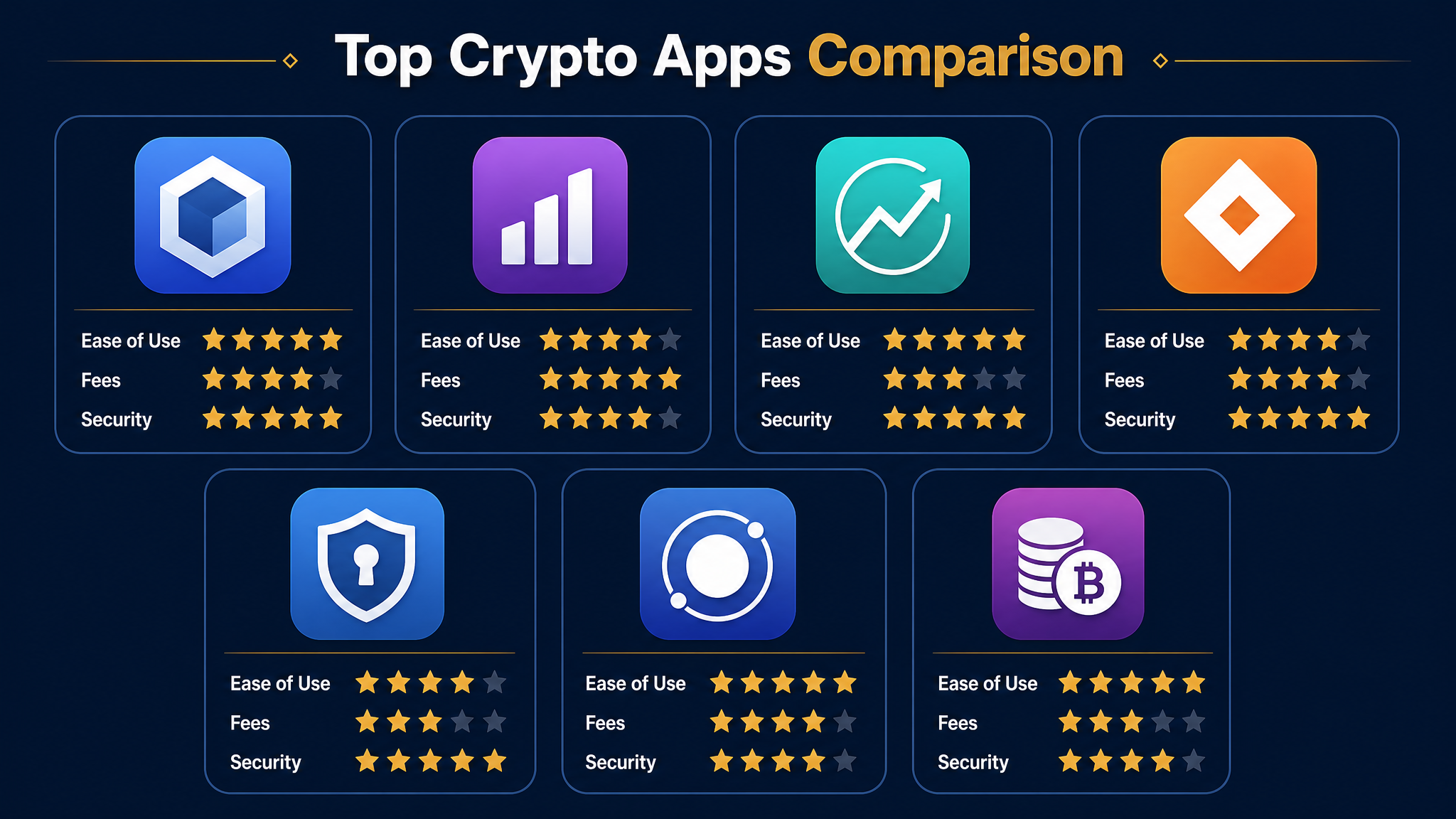
2. Kraken — Best for Transparent Fees
Kraken doesn't get enough credit for how beginner-friendly it's become. The "Simple" mode strips away complexity, and the fee structure is genuinely transparent — you see the maker/taker breakdown before you trade. In 2026, Kraken added US stocks and ETFs alongside crypto in the same account, making it a natural bridge for beginners with a brokerage mindset. Its security track record is exceptional — one of the few major exchanges never hacked in 13+ years.
Pros & Cons
- ✅ No major security incidents in 13+ years
- ✅ Transparent fee structure — no hidden spreads in Pro mode
- ✅ Stocks + crypto in one account (2026 feature)
- ✅ 500+ cryptocurrencies available
- ❌ Not available in New York State
- ❌ Advanced features have a learning curve
Best for: Beginners who care about fees and want a platform they can grow into.
3. Trust Wallet — Best Self-Custody Wallet
Here's what most beginner guides skip: buying crypto on an exchange and actually owning crypto are two different things. When your assets sit on Coinbase or Kraken, the exchange holds your private keys. Trust Wallet changes that — it's a non-custodial mobile wallet where you control your keys and nobody can freeze your assets. It supports 110+ blockchains and 32 million+ assets, with built-in DeFi access and staking. The "Smart Backup" system makes seed phrase management less terrifying for newcomers.
Pros & Cons
- ✅ True self-custody — you own your keys
- ✅ 110+ blockchains, massive asset support
- ✅ Built-in DApp browser for DeFi access
- ✅ Free to use (network fees still apply)
- ❌ No fiat on-ramp — you need to buy crypto elsewhere first
- ❌ Responsibility for seed phrase security falls entirely on you
Best for: Beginners ready to take self-custody seriously after buying on an exchange.
4. Robinhood Crypto — Best for Stock App Simplicity
If you already use Robinhood for stocks, adding crypto is literally one tap. The interface is identical — same charts, same order flow, same account. For people who find crypto intimidating, this familiarity is genuinely valuable.
Robinhood's crypto offering expanded in 2026 with Robinhood Chain, its own Layer 2 network — you can now move assets to self-custody, addressing a major past criticism. The "commission-free" marketing is technically accurate, but Robinhood makes money on the spread (typically 0.5–1%). Asset selection is limited (~30 coins), but for beginners who just want Bitcoin, Ethereum, and Solana, that's plenty.
Pros & Cons
- ✅ Seamless integration with stock portfolio
- ✅ Extremely simple interface — zero learning curve
- ✅ Robinhood Chain enables self-custody withdrawals
- ✅ Fractional shares and crypto in one app
- ❌ Spread-based pricing — costs aren't always obvious
- ❌ Limited asset selection (~30 coins)
Best for: Stock investors who want to add crypto without switching apps.
5. Cash App — Best for Bitcoin-Only Beginners
Cash App is the simplest possible Bitcoin entry point. Open the app, tap "Invest," tap "Bitcoin," enter an amount. Done. If you already use Cash App for payments, you're already set up. The recurring buy feature is excellent for dollar-cost averaging — set a weekly amount and forget it. Cash App also lets you withdraw Bitcoin to an external wallet, which matters for long-term holders. The limitation is obvious: Bitcoin only. But for many beginners, that's a feature — starting with one asset and understanding it deeply beats spreading thin across 20 coins you don't understand.
Pros & Cons
- ✅ Absolute simplest Bitcoin buying experience
- ✅ Recurring buy / DCA automation built in
- ✅ Withdraw to external wallet supported
- ✅ Integrated with everyday payments
- ❌ Bitcoin only — no other cryptocurrencies
- ❌ Spread-based fees (typically 1.5–2%)
Best for: Absolute beginners who want to start with Bitcoin and nothing else.
6. Coinbase Wallet — Best for DeFi Exploration
Don't confuse this with the main Coinbase app. Coinbase Wallet is a separate, self-custodial app — Coinbase's answer to MetaMask. It's designed for DeFi, dApps, and NFTs, but with a more polished interface. The standout 2026 feature is passkey-based authentication — secure your wallet with Face ID instead of a 24-word seed phrase. Gasless transactions on Base (Coinbase's Layer 2) reduce DeFi friction significantly.
Pros & Cons
- ✅ Passkey authentication — no seed phrase required
- ✅ Gasless transactions on Base network
- ✅ Familiar Coinbase branding reduces trust barrier
- ❌ Requires some DeFi knowledge to use effectively
- ❌ Separate from main Coinbase account — can confuse beginners
Best for: Beginners ready to explore DeFi without the MetaMask learning curve.
7. eToro — Best for Social/Copy Investing
eToro's CopyTrader lets you pick an experienced investor, allocate a portion of your portfolio, and automatically mirror their trades. It's not a substitute for learning — but it's a reasonable training wheel while you figure things out. eToro supports 80+ cryptocurrencies alongside stocks and ETFs, and the social feed shows you what other investors are buying and why. Note: not available in all US states, and crypto withdrawal fees are higher than most competitors.
Pros & Cons
- ✅ CopyTrader — mirror experienced investors automatically
- ✅ Social feed for learning from other investors
- ✅ Stocks, ETFs, and crypto in one platform
- ✅ Regulated in multiple jurisdictions
- ❌ Higher withdrawal fees for crypto
- ❌ Not available in all US states
Best for: Beginners who want to learn by watching experienced investors in action.
How to Choose the Right Crypto App for You
Here's a simple decision framework based on where you are right now:
- Just starting, US-based: Coinbase or Kraken. Both are regulated, reliable, and beginner-friendly. Kraken if you care about fees; Coinbase if you want the smoothest onboarding.
- Already use Robinhood or Cash App: Start there. Familiarity reduces friction, and friction is the enemy of getting started.
- Want to hold crypto long-term: Buy on an exchange, then move to Trust Wallet or Coinbase Wallet for self-custody. Don't leave large amounts on exchanges indefinitely.
- Want to explore DeFi: Coinbase Wallet is the gentlest on-ramp. MetaMask is more powerful but has a steeper learning curve.
- Want to copy experienced traders: eToro's CopyTrader is the most accessible option.
One rule: start with one app, learn it thoroughly, resist the urge to spread across five platforms in your first month. Complexity is where beginners lose money — not from bad picks, but from confusion.
For a structured approach to learning crypto trading, Icoinpro offers step-by-step training that has helped thousands of beginners move from confused to confident.
Security Tips Every Beginner Needs to Know
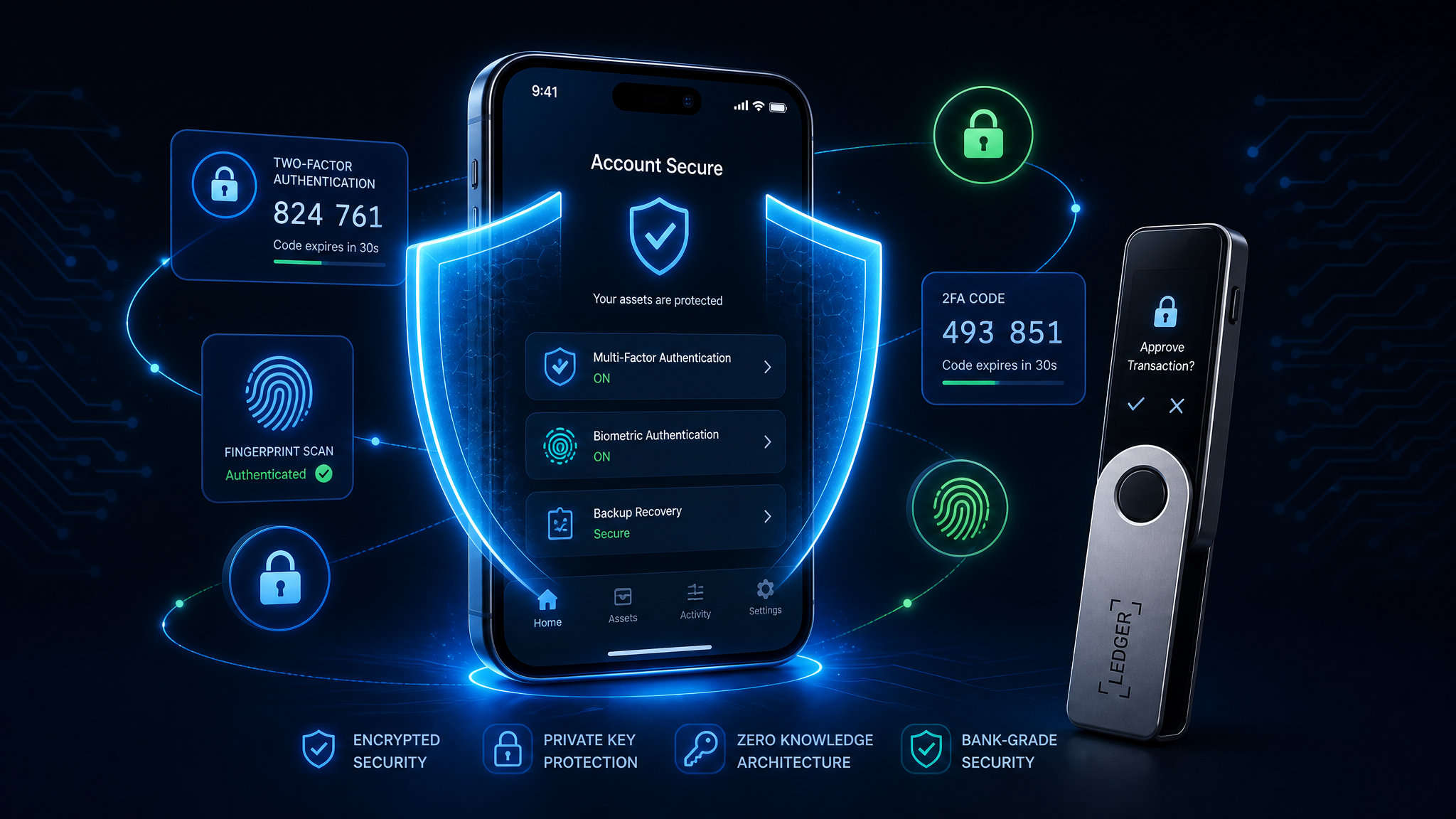
The app you choose matters less than how you use it. These security habits apply regardless of which platform you pick:
- Enable 2FA immediately. Use an authenticator app (Google Authenticator, Authy) rather than SMS — SIM-swap attacks specifically target crypto accounts.
- Never store your seed phrase digitally. No screenshots, no cloud notes. Write it on paper and store it physically secure.
- Use a hardware wallet for significant holdings. Once you have more than $1,000–$2,000 in crypto, the cost is trivial compared to the security. Protect your crypto assets with a Ledger hardware wallet — the gold standard in cold storage.
- Verify URLs obsessively. Phishing sites mimic Coinbase and MetaMask perfectly. Bookmark the real URLs and only use those bookmarks.
- Start small. Your first transaction should be an amount you're comfortable losing — the learning process involves mistakes, and small mistakes are cheap lessons.
Frequently Asked Questions
What is the safest crypto app for beginners?
Coinbase and Kraken are the safest options for US beginners due to regulatory compliance and long track records. For self-custody, Trust Wallet is the most beginner-friendly non-custodial option.
Can I use multiple crypto apps at once?
Yes — many users combine an exchange for buying with a self-custody wallet for holding. But start with one app and master it before adding complexity.
Do I need to pay taxes on crypto?
In the US, yes. Every sale or trade is a taxable event. Coinbase, Kraken, and Robinhood all provide tax reports. Consider dedicated crypto tax software to stay compliant.
What's the minimum amount I can invest?
Most apps allow fractional purchases starting at $1–$5. Starting with $25–$50 is a reasonable way to learn without significant financial risk.
Is it safe to leave crypto on an exchange?
For small amounts while learning, yes. For larger holdings long-term, move to self-custody. Rule of thumb: if you can't afford to lose it, don't leave it on an exchange.
Final Thoughts
The best crypto app for beginners in 2026 is the one you'll actually use consistently. Coinbase wins on accessibility, Kraken wins on fees and transparency, Trust Wallet wins for self-custody. The others fill specific niches that might fit your situation perfectly.
What matters most isn't which app you pick — it's starting with a clear understanding of what you're doing and why. Crypto rewards the patient and the informed. Want to understand the economics behind Bitcoin? The Bitcoin Standard is essential reading — it gives you the mental framework most app tutorials skip entirely. Start small, stay curious, and don't let the complexity intimidate you.
Disclaimer: This content is for informational purposes only and should not be considered financial advice. Cryptocurrency investments carry significant risk. Always do your own research (DYOR) before making any investment decisions.
Want structured training instead of piecing it together yourself?
Self-education works, but it's slow. The course that accelerated my learning the most gave me a daily framework — real market analysis, real setups, real accountability.
The program I recommend to people who ask me is this crypto trading course — it\'s the one I point friends and family to when they\'re serious about learning. Daily lessons, live analysis, and a community that actually helps.
Affiliate link — I may earn a commission at no extra cost to you. I only recommend what I genuinely use.
Disclaimer: The information provided on this website is for educational and informational purposes only. It should not be considered financial or investment advice. Cryptocurrency investments carry significant risk. Always do your own research and consult with a qualified financial advisor before making investment decisions.
Free Crypto Insights
Get weekly trading tips, market analysis, and exclusive strategies delivered to your inbox.